How Can We Help?
-
Getting Started
- How can I add some music on my Crates desktop and then sync it to the mobile app?
- How can I automatically retrieve the genres of a tune?
- How can I use the Google Drive connection in Crates?
- How do I organize unsorted albums using a folder structure like "albumartist/release/artist-trackTitle" ?
- How to connect to Bandcamp over the Subsonic API
- How to Create and Share a Public Playlist
- How to import a tune from Bandcamp
- How to import your Bandcamp collection
- How to import your iTunes Library
- How to install and use the Crates browser extension
- What are Gems?
- What are the default crates and what are they for?
- What are the minimum system requirements to run Crates?
- What is a crate and how is it different from a playlist?
-
FAQs
- Connect Crates for iOS to Crates Desktop from Anywhere Using a VPN
- Crates would like to access the microphone
- Does Crates need to copy my files to import them?
- How can I add some music on my Crates desktop and then sync it to the mobile app?
- How can I automatically retrieve the genres of a tune?
- How can I create a separate installation of Crates to experiment without losing my current setup?
- How can I use the Google Drive connection in Crates?
- How do I move part or all of my files library to a new drive or NAS?
- How does anonymous usage analytics work in Crates?
- How to connect to Bandcamp over the Subsonic API
- How to Create and Share a Public Playlist
- How to import your Bandcamp collection
- How to Report Bugs & Issues 👉🏼👾
- How to troubleshoot Crates mobile server discovery and pairing
- How to use Smart Crates & Advanced Search? Query Syntax Guide
- I like Crates! How can I help?
- I've connected my Spotify account, but it doesn't play. Why?
- Import from CSV – How does it work?
- Tell a Friend – How does the referral program work?
- Understanding Domain Connections and Data Privacy at Crates
- What are the default crates and what are they for?
- What are the minimum system requirements to run Crates?
- What are the placeholders supported by Crates?
- What does “insufficient funds” mean in Gems?
- What is a crate and how is it different from a playlist?
- What streaming quality can I expect in Crates?
- What's the deal with the "wallet" and the balance I see under my account?
- Why does music streamed from online sources stop while in lock screen?
- Show Remaining Articles (13) Collapse Articles
-
Troubleshoot
- Crates would like to access the microphone
- Does Crates modify or move my audio files?
- How can I create a separate installation of Crates to experiment without losing my current setup?
- How to Manually Restore a Backup
- How to Report Bugs & Issues 👉🏼👾
- How to reset your Crates installation
- How to troubleshoot Crates mobile server discovery and pairing
- I'm getting "Crates Server is not reachable" - what should I do?
- Keyboard Media Buttons (play/prev/next) are not working
- Update fails to download
- Updater failed with ERR_QUIC_PROTOCOL_ERROR, what should I do?
- Why can’t I search YouTube in Crates even though I have YouTube Premium?
- YouTube video not playing
-
Beta & Feedback
-
How To
- Connect Crates for iOS to Crates Desktop from Anywhere Using a VPN
- How to connect to Bandcamp over the Subsonic API
- How to Create and Share a Public Playlist
- How to organize your music library with 'actions'
- How to Set Up Automatic Cloud Backups
- How to use Smart Crates & Advanced Search? Query Syntax Guide
- Tell a Friend – How does the referral program work?
-
Advanced
-
Crates Mobile
Keyboard Media Buttons (play/prev/next) are not working
Posted
Updated
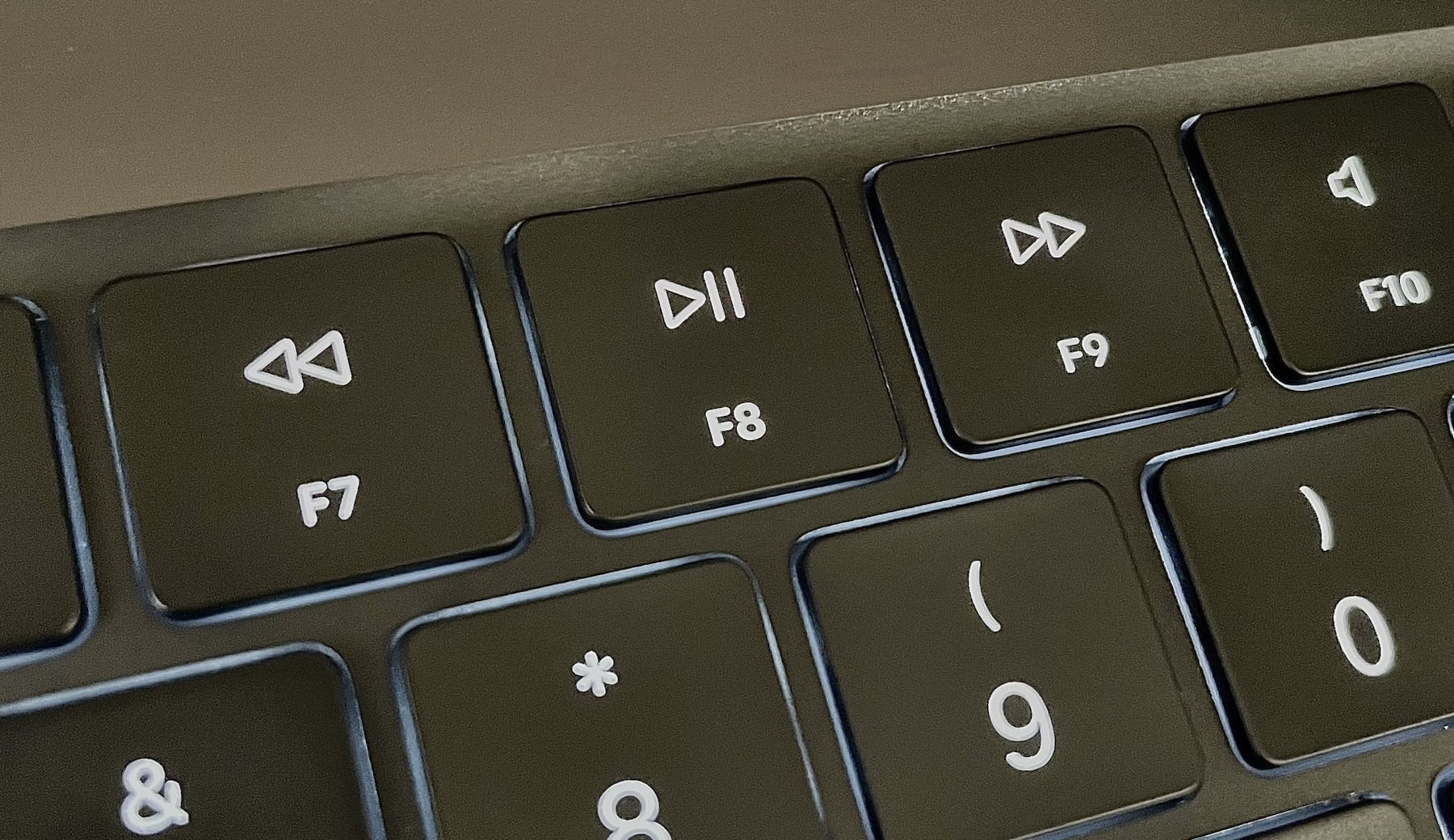
On macOS, media buttons are supposed to work out of the box. If this is not the case, go to macOS Settings > Privacy & Security > Accessibility and you will find Crates there. Turn on the toggle and restart Crates (Quit via menu or CMD+Q & launch again). If it’s not working again, go to Accessibility Settings, remove Crates using the – on the left bottom side of the panel and either add it manually (and flip the switch on) or restart Crates and it should be added again. For good measure, restart the Crates UI completely every time you make some change to this setting.